
The command center for Microsoft 365
Every customer in a fully isolated session, an integrated PowerShell with an AI assistant, and commands that already know the tenant — switch with one click, without the constant signing out and back in.
A smart tool for all your Microsoft 365 customers
Everything MSPs and IT admins need in their daily multi-tenant routine — in one place, instead of spread across five tools.
Built-in PowerShell per customer
Console directly in the right tenant context, with automatic device login for Exchange Online and Microsoft Graph — no external browser tab needed. And the AI assistant writes the right command for you on request.
Commands that already know the tenant
A Knowledge Base with the most important PowerShell commands — the current tenant is already filled in. No copy-paste, no editing, add your own commands in seconds — or generate them with the AI assistant.
Customer sessions that never mix
Every customer gets its own dedicated browser partition. Cookies, tokens and logins never mix.
Admin portals as in-app tabs
Admin Center, Entra ID, Exchange, Intune, Defender, Azure, SharePoint, Teams & Outlook — as tabs inside the same customer session, instead of an external browser.
One-click tenant switching
Click a customer — you are in the right environment. No sign-out and sign-in, no second browser, no incognito windows.
6 languages · light & dark · RTL
German, English, Spanish, French, Turkish and Arabic — with proper RTL layout. Light and dark theme.
Always know which tenant you’re in
A slim bar below the address shows the current customer and tenant at all times — colour-coded per customer. You never work in the wrong tenant by accident.
AI assistant for PowerShell
Describe in plain words what you need – the app generates the right PowerShell command for the active tenant, works step by step for multi-stage tasks and asks when needed. Nothing runs automatically; risky actions are flagged in red.
Pin & sort
Pin important customers to the top and reorder the list by drag & drop. In the knowledge base, too, star your most-used commands per customer to pull them to the top.
Move in minutes
Export your customer list and knowledge base and import them on a new machine – without any passwords. Only names, domains and your commands are stored; you sign in to each tenant once on the new device.
Protection against the wrong tenant
A built-in guard checks which tenant the PowerShell console is actually connected to and warns you in red if it isn’t the customer you’re working in – so no command ever lands in the wrong tenant.
One-click install & auto-update
Installs in a single click via a signed installer (with a shortcut) and then keeps itself up to date: new versions download in the background and install seamlessly – your customers and settings are preserved.
Ready in three steps
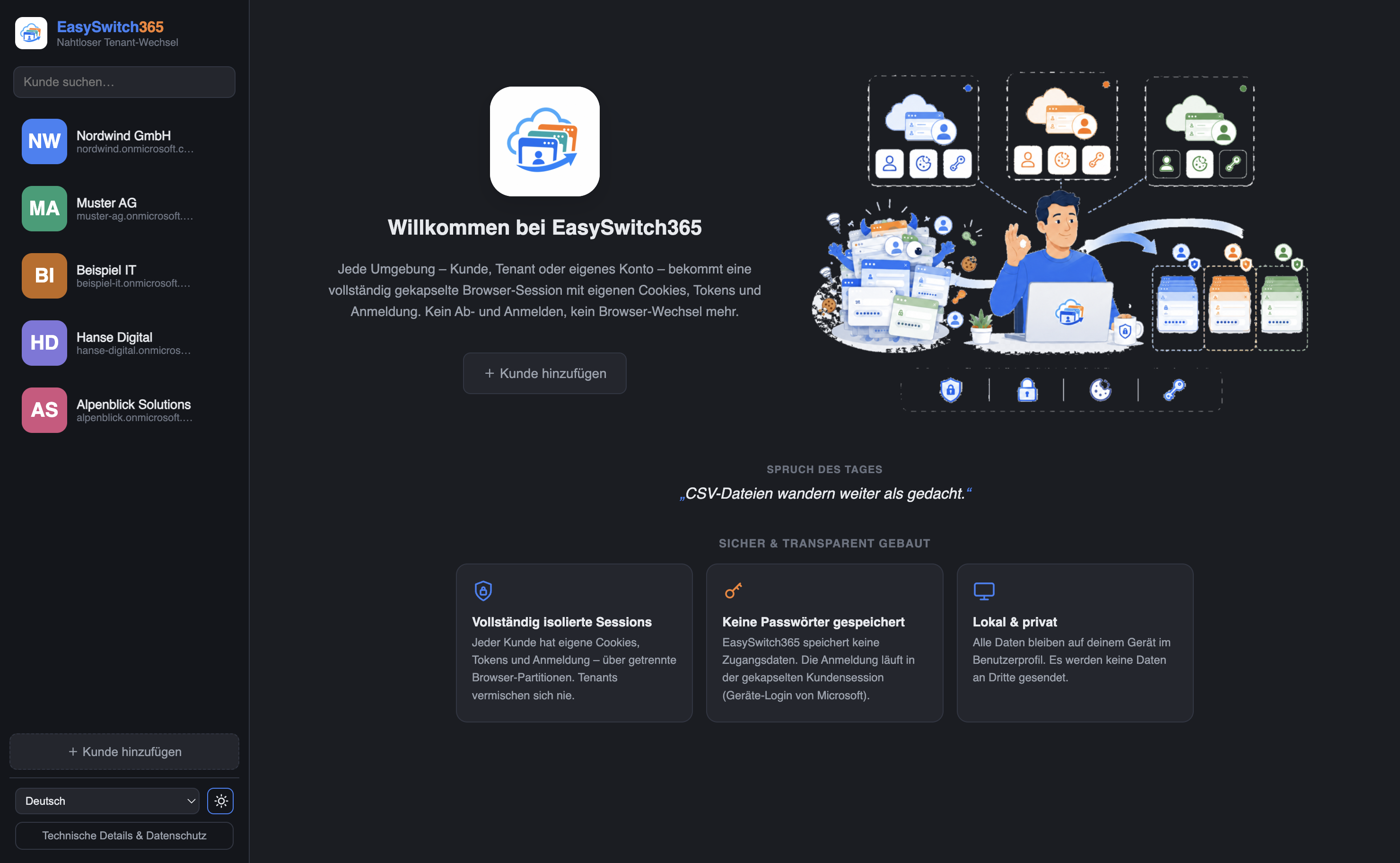
Add a customer
Enter name, tenant domain and start page – optionally the real company domain (for the AI assistant), your own portal links and a logo or letter avatar. No password needed.
Sign in once
Sign in to Microsoft as usual inside the isolated session. The session is kept securely on the device.
Switch with one click
From now on, jump between customers any time — each one in its own, separated environment.
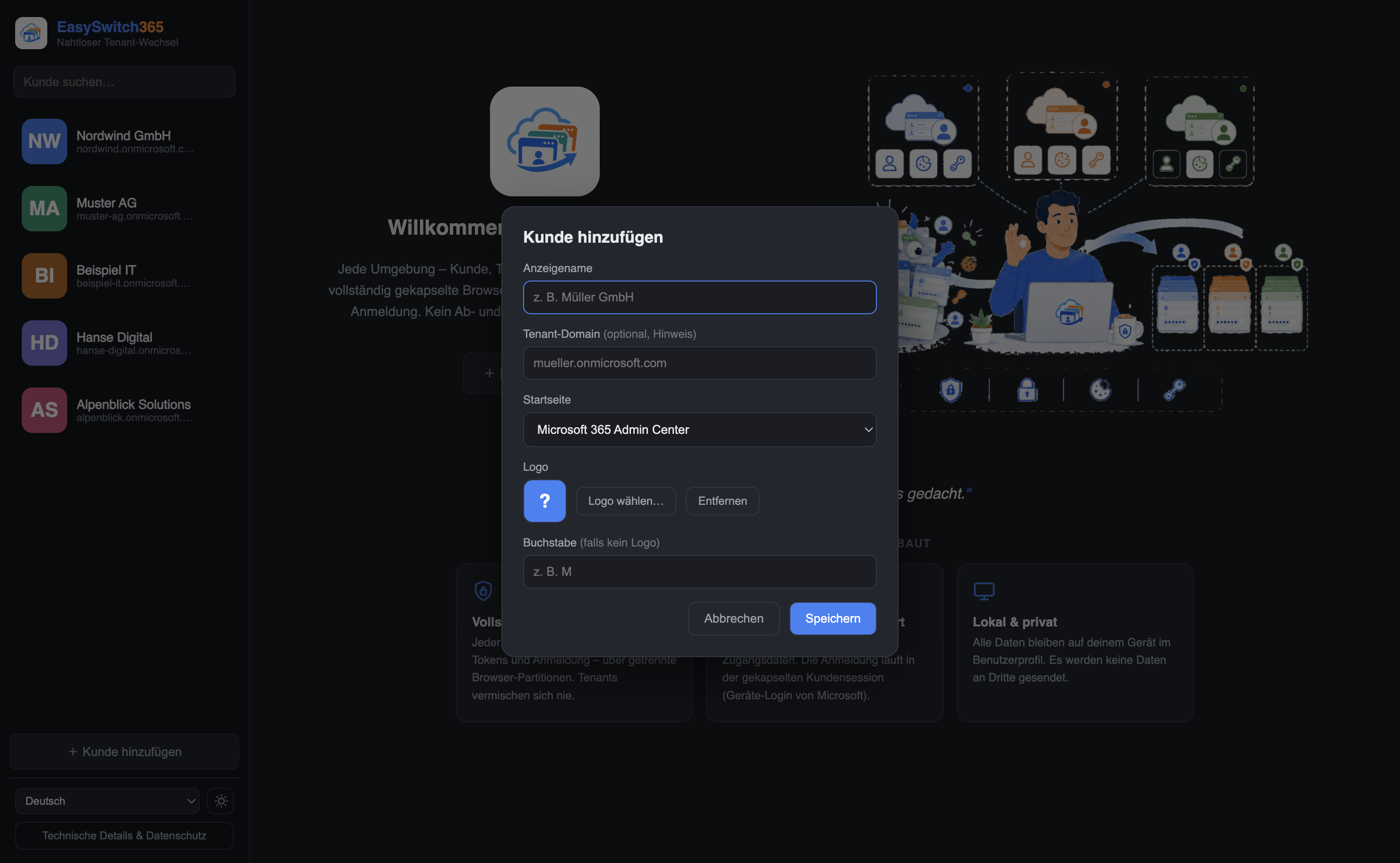
All customers at a glance — a dashboard that stays tidy
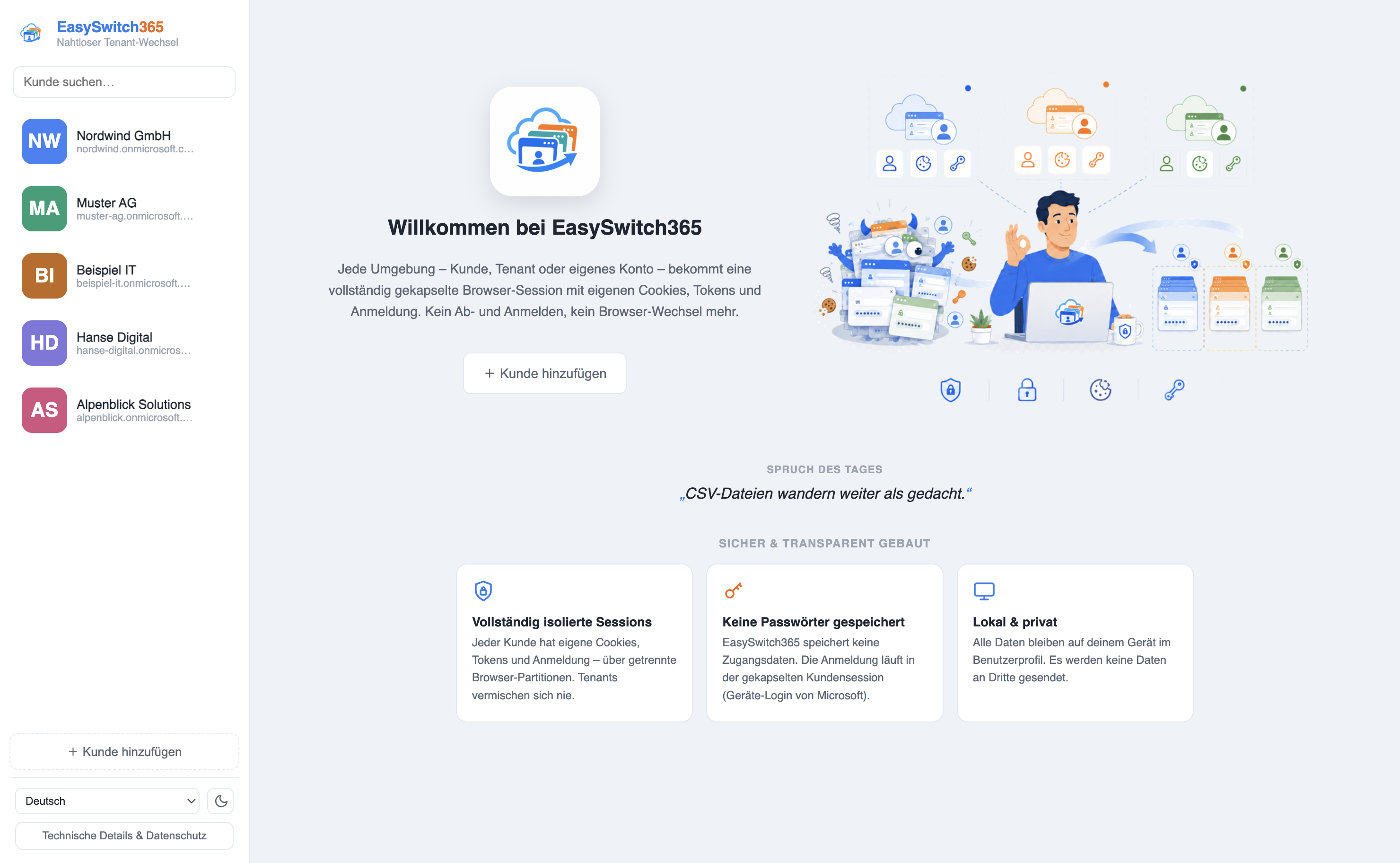
Admin Center, console and knowledge — in one place
Quick links to every M365 portal, a built-in PowerShell with an AI assistant and the Knowledge Base — all within the session of the respective customer.
Knowledge Base
Exchange Online
Connect-ExchangeOnlineGet-Mailbox -Identity …Mailboxes
Get-Mailbox -ResultSize …Secure from the ground up
No password vault, no cloud collection. EasySwitch365 separates cleanly and keeps data where it belongs: on the IT admin's device.
Data stays local
Sessions and settings live exclusively in your device user profile.
Encrypted by the OS
Credentials are protected via Keychain (macOS) or DPAPI (Windows) — bound to your user account.
No password vault
EasySwitch365 stores no credentials. Sign-in goes directly through Microsoft.
License with signature check
Activation cryptographically secured (Ed25519), bound to the device — a modern licensing model, not a simple key check.
Code signing by a verified publisher
EasySwitch365 is signed by Conto IT (code signing via Microsoft Azure; a verified publisher instead of “unknown”). Note: the signing certificate is brand-new — during this short window Windows may show a SmartScreen notice on launch (“More info” → “Run anyway”). EasySwitch365 is a product by Conto IT.
App lock with PIN & Touch ID
Optionally lock EasySwitch365 with a PIN — on Mac also via Touch ID — including auto-lock on inactivity. Ideal because you stay permanently signed in to the tenants.
Cross-tenant guard
The console shows and verifies which tenant it is actually connected to and warns you if it isn’t the active customer – protection against accidental actions in the wrong tenant.
Phishing-resistant sign-in (FIDO2/passkey)
Sign-in runs through Microsoft’s real page — if your tenant enforces FIDO2, a passkey or a security key, it applies in EasySwitch365 unchanged. No custom authentication, nothing bypassed.
Protection against token theft
Signed-in sessions are OS-encrypted, isolated per customer and never exported. For maximum hardening we recommend Microsoft Entra Token Protection / Conditional Access — a stolen token is then worthless on another device.
Full control over stored sign-ins
Per customer you decide: don’t save the sign-in at all (nothing stays on disk) – or wipe a customer’s browser data anytime with one click (cookies, tokens, cache). You control how long each session lives, customer by customer.
Per seat. Monthly. With volume discount.
Fair pricing for MSPs: the more seats, the lower the price per seat — automatically tiered. Billed monthly, cancellable monthly.
| Seats | Price / seat / month |
|---|---|
| 1 – 4 | 12,99 € |
| 5 – 9 | 11,99 € |
| 10 – 24 | 10,99 € |
| 25 – 49 | 9,99 € |
| 50+ | 8,99 € |
- ✓ Unlimited isolated customer sessions
- ✓ Built-in PowerShell, AI assistant & Knowledge Base
- ✓ All admin portals as in-app tabs
- ✓ Windows & macOS · 6 languages · updates included
- ✓ Your own per-customer portals inside the isolated session (PBX, backup, docs …)
- ✓ Automatic device sign-in for Exchange, Microsoft Graph & Teams
- ✓ Cross-tenant safeguard – warns you when you are in the wrong tenant
- ✓ No password vault – sign in directly via Microsoft, OS-encrypted
Frequently asked questions
Does EasySwitch365 store my passwords?
How are customer sessions kept separate?
What exactly is EasySwitch365?
Does it run on Windows and Mac?
Do I need a permanent internet connection?
Is data sent to third parties?
Can I cancel monthly?
Can I buy more licenses later?
How do I switch devices or release a license?
Do you support FIDO2/passkey, and are you protected against token theft?
Can I stop sign-ins from being saved – and delete data later?
Get started right away.
After purchase you receive your license key and the download for Windows and macOS directly by email.